Arch MI File Transfer Portal - Multi-Factor
Authentication (MFA)
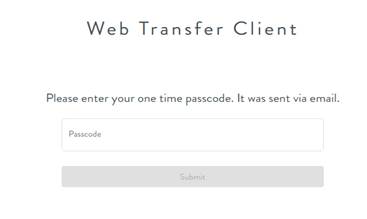
1. After entering your Username and Password on Arch’s File Transfer portal web page, you will be directed to a page, like below, to enter the one-time verification code.
2. The verification would be sent to the email addresses associated with the FTP account. The same email would look like the one below.
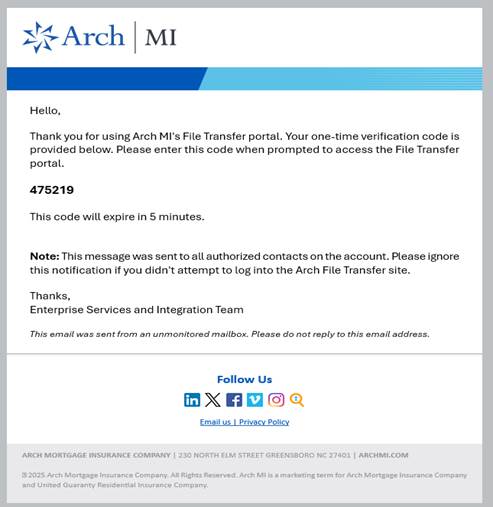
3. Enter the 6-digit code received via email into the ‘Passcode’ field and enter ‘Submit’. If the code is validated successfully, you will then be directed to the Arch MI File Transfer Portal Upload/Download page as below
